Maximize Your Tech

Finding the best ways for your Apple Watch to measure our progress and simplify our wellness journey

What I'm discovering

Technology works best when it serves our health without adding to our stress.

As a new user of the Series 11, I am currently exploring how these tools can best support the habits that lead to long-term vitality.

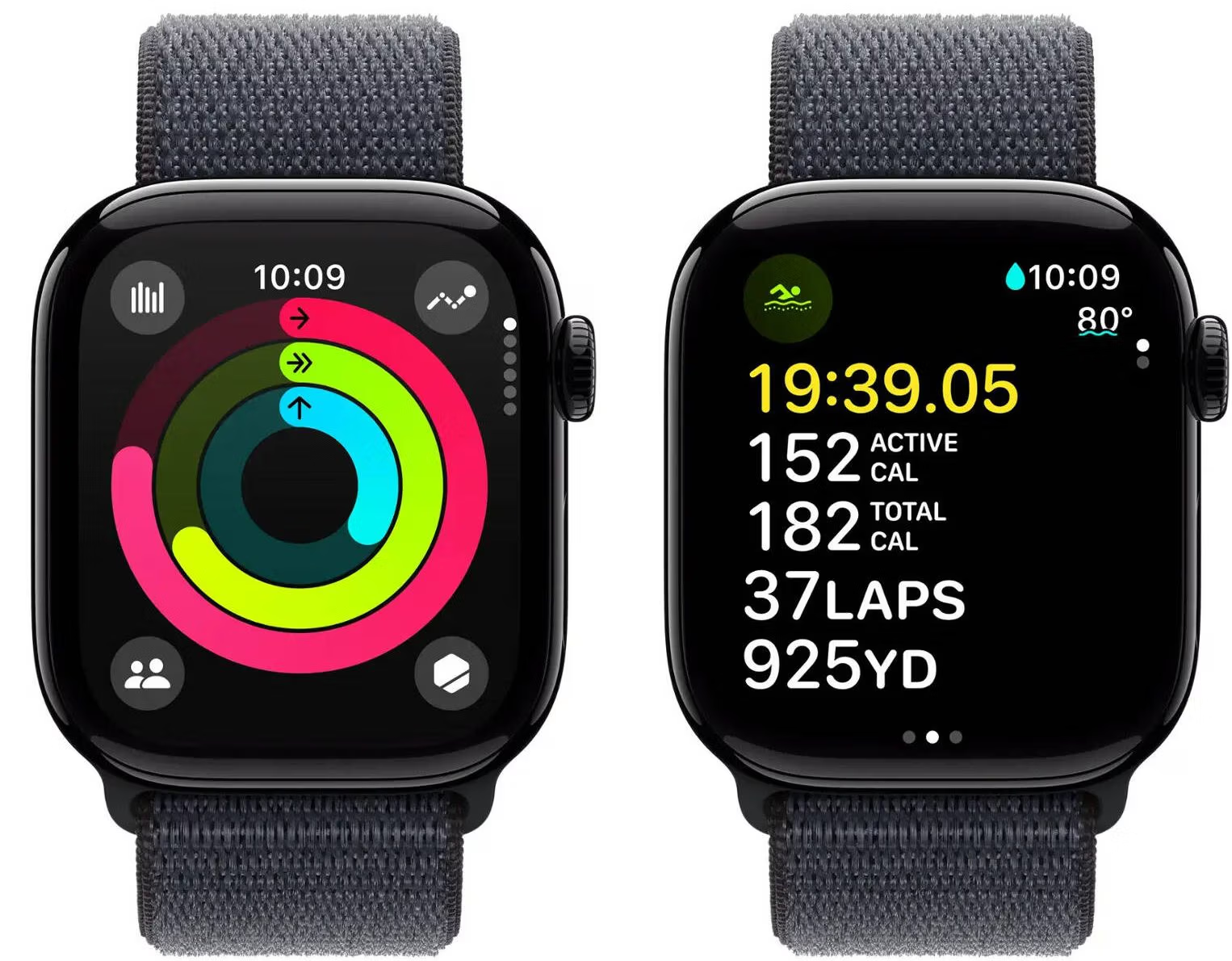
On this page, I’ll be sharing what I’m discovering as I navigate the features of the Apple Watch—from how it measures our daily progress to the simple ways it can simplify a wellness routine.

We are learning together how to turn these measurements into meaningful action, one discovery at a time.

Apple Watch Articles

John Coldrick Health & Fitness banner showing a fitness coach with an Apple Watch, Vitals app icons, and a 30-day health trends graph for longevity coaching.John Coldrick Health & Fitness banner showing a fitness coach with an Apple Watch, Vitals app icons, and a 30-day health trends graph for longevity coaching.

How to Listen to Your Body with Apple Watch Vitals and Trends

Understand your Apple Watch Vitals and Heart Health trends to ensure your body is recovered and ready for the training required to meet your goals.

Apple Watch Frequently Asked Questions

How accurate is the Apple Watch Series 11 for my health tracking?

A high-detail close-up of the back of an Apple Watch Series 11, showing the third-generation optical heart rate and blood oxygen sensors used for accurate health tracking.

How accurate is the Apple Watch Series 11 for my health tracking?

It is highly reliable for trend-tracking; the Mayo Clinic and Cleveland Clinic have validated its sensors for heart rate and AFib detection with up to 99% accuracy. While not a clinical lab, its consistency makes it a perfect “Lifestyle Compass” for monitoring how my Top 5 Foods impact your daily recovery.


John’s Discovery Tip:

When I first started tracking this, I realized the watch needs several brisk outdoor walks to give an accurate reading. Don’t be discouraged if it takes a week or two to show up—I’m learning that the watch needs time to get to know your pace and heart rate in the fresh air.”

Cardio fitness display on an iPhone with an Apple Watch beside it.

Is my heart rate in the right zone during my walks?

A “normal” heart rate is highly personal and depends on your age and fitness level. For most adults over 50, a safe target is between 50% and 85% of your maximum heart rate.


A simple way to check is the “Talk Test”: if you can speak in short sentences but can’t sing, you are likely in a healthy, effective zone for your workout.


Apple Watch Sleep score display, Sundance, Calgary Health and Fitness

It is common for Apple Watch users to see relatively short periods of deep sleep. Here is what is considered normal:

  • Expected Duration: Adults typically spend only 10% to 20% of their total sleep time in the deep sleep stage. If you sleep 7–8 hours, that equals roughly 40 to 110 minutes total.
  • Timing: Deep sleep usually occurs in short “bouts,” primarily during the first half of the night. It is normal to see these periods decrease or disappear as morning approaches.
  • Age Factors: Deep sleep naturally decreases with age.
  • Accuracy: While your watch is advanced, wrist-based trackers estimate sleep stages via heart rate and movement, which may not always perfectly match a clinical sleep study.

If you wake up feeling refreshed, your deep sleep levels are likely sufficient.


John’s Discovery Tip:

I’ve discovered that the most important thing isn’t hitting a specific number every single night, but looking at my trends over the week. If I notice my Deep Sleep is consistently low, I check to see if I’ve been staying up past my 9 PM bedtime or if my 7 PM eating cutoff has slipped.”

Apple Watch Fitness Display Sundance Calgary Health and Fitness

Your Apple Watch measures a combination of your heart rate and your movement (using a built-in accelerometer). For our demographic, it’s helpful to know that a “brisk walk” usually counts toward your Exercise ring, while a casual stroll might only count toward your Move ring.


 John’s Discovery Tip:

 If you’re doing something specific like a dedicated power walk in the park, I’ve found it’s best to manually start a “Workout” in the Activity app. This tells the watch to measure your heart rate more frequently for a more accurate credit.

iphone Walking Steadiness Display, Sundance, Calgary

The watch measures your step length and walking speed to determine your balance. It categorizes your steadiness as OK, Low, or Very Low.

The Benefit: For those of us focused on staying active as we age, this measurement acts as an early warning system. It’s a quiet way the watch looks out for you, helping you stay aware of your fall risk before it becomes an issue.

A 6-month graph from the iPhone Health app showing a consistent 'OK' level for Walking Steadiness, demonstrating stable mobility and balance.

Unlike your step count, Walking Steadiness is found inside the Health app on your iPhone. Open the app, tap the Browse tab at the bottom right, and select Mobility. Scroll down to find “Walking Steadiness.” It will categorize your balance as OK, Low, or Very Low based on how you walk while carrying your phone.


John’s Discovery Tip

“Check your Trends! If you scroll to the bottom of the Walking Steadiness screen, you can turn on Notifications. Your iPhone will then alert you if your steadiness changes over time. It’s like having a quiet ‘safety monitor’ in your pocket that helps us catch balance issues before they become a problem in your daily routine.”

Image of iPhone Heart Rate Variability display, Sundance, Calgary, health and fitness

I’m discovering that HRV is one of the most important ‘wellness scores’ the Watch measures. Unlike our regular heart rate, HRV measures the tiny variations in time between each heartbeat.

What it tells us: A higher HRV generally means your body is relaxed and recovered, while a lower HRV can be a sign that you’re tired, stressed, or perhaps coming down with a cold.


John’s Discovery Tip:

You won’t see this on your watch face throughout the day. Like Walking Steadiness, you’ll find this data in the Health App on your iPhone under ‘Heart.’


It’s a great way to measure if your body is actually benefiting from your rest periods or if you might need to take it a bit easier on your next power walk.”

Cardio fitness display on an iPhone with an Apple Watch beside it.

What does the "Cardio Fitness" measurement mean for me?

Cardio Fitness (also known as VO2 Max) is a measurement of how well your body uses oxygen during exercise. It is a powerful indicator of long-term physical health and longevity. The watch measures this automatically during your outdoor power walks or hikes.


John’s Discovery Tip:

When I first started tracking this, I realized the watch needs several brisk outdoor walks to give an accurate reading. Don’t be discouraged if it takes a week or two to show up—I’m learning that the watch needs time to get to know your pace and heart rate in the fresh air.”

Apple Watch heart rate display, Sundance, Calgary

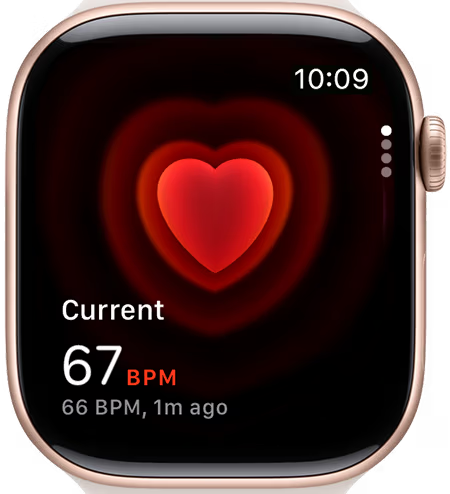
The Apple Watch uses light-sensitive sensors to measure your pulse right from your wrist. While it’s incredibly accurate for general fitness, I’m discovering that keeping the band “snug but comfortable” is the secret to getting the best reading. If it’s too loose, the sensor might lose contact during a brisk power walk.

The Benefit: It allows us to see how our fitness is improving over time—you might notice your heart rate staying lower even as you pick up the pace!

Check out my blog posts on the Apple Watch and other tech that I think you’ll find helpful for simplifying your health and fitness journey and making your life better.

My Apple-Related Blog Posts

“Unable to Check for Update” – The Apple Watch Mystery Solved

“Unable to Check for Update” Error– The Apple Watch Mystery Solved The Summary If your Apple Watch refuses to update and shows an “Unable to Check for Update” error, the...

Get a Free Consultation Call

Start your transformation today. Claim your free, no-obligation session and discover your personalized health results now!